
4 new features in your customised deal library


Since April, you’ve been able to save and share your favourite deals thanks to the customised deal library. We’ve now added four major new features. The customised deal library has quickly become a favourite tool for bridge teachers and tournament organisers on Funbridge. Here’s a quick look at what’s new.
You can view and share your saved deals on the Web, iOS and Android versions. Editing is available only on the Web version.
1. Generate an image of a saved deal
You can now create an image of any deal stored in your deal library.
You can tailor the image to your needs, choosing whether to show a single hand or the full diagram, display or hide the bidding, and show or hide the cards of N, S, E, or W. You can also change the background colour.
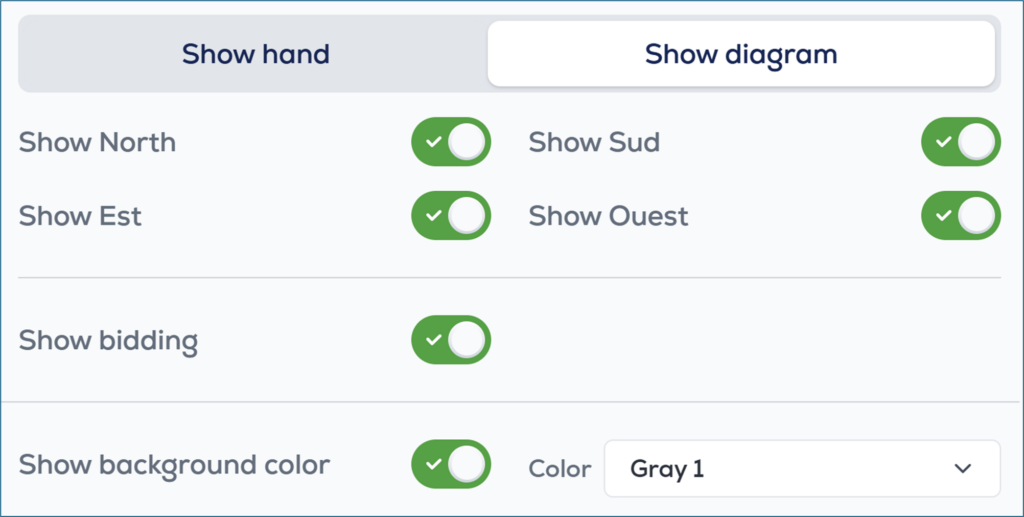
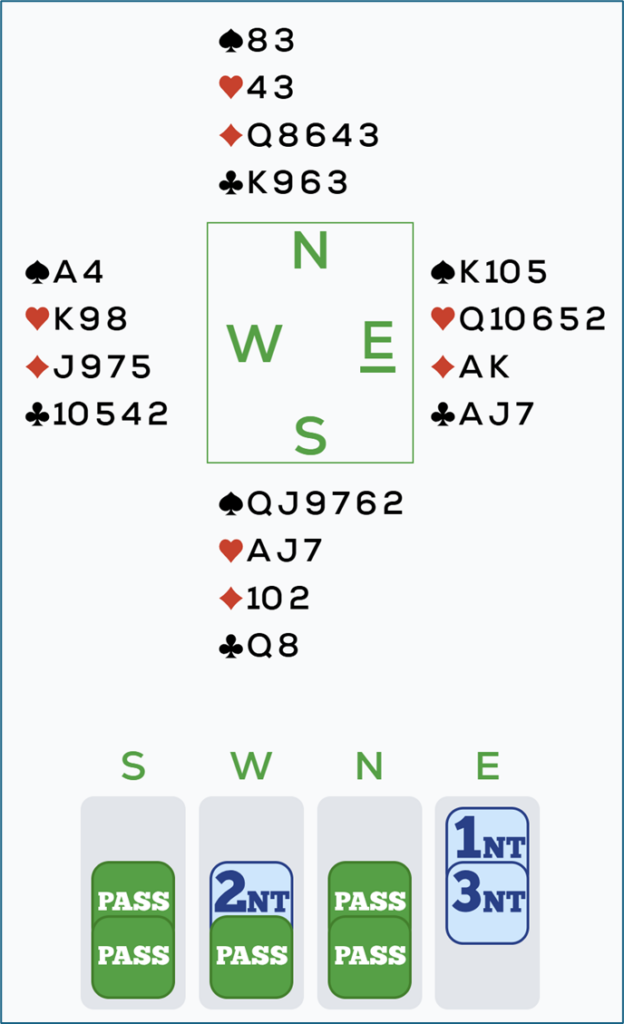
To export a deal image, you have two options within your personal deal library (Web only):
Click the Share icon and select Share Image
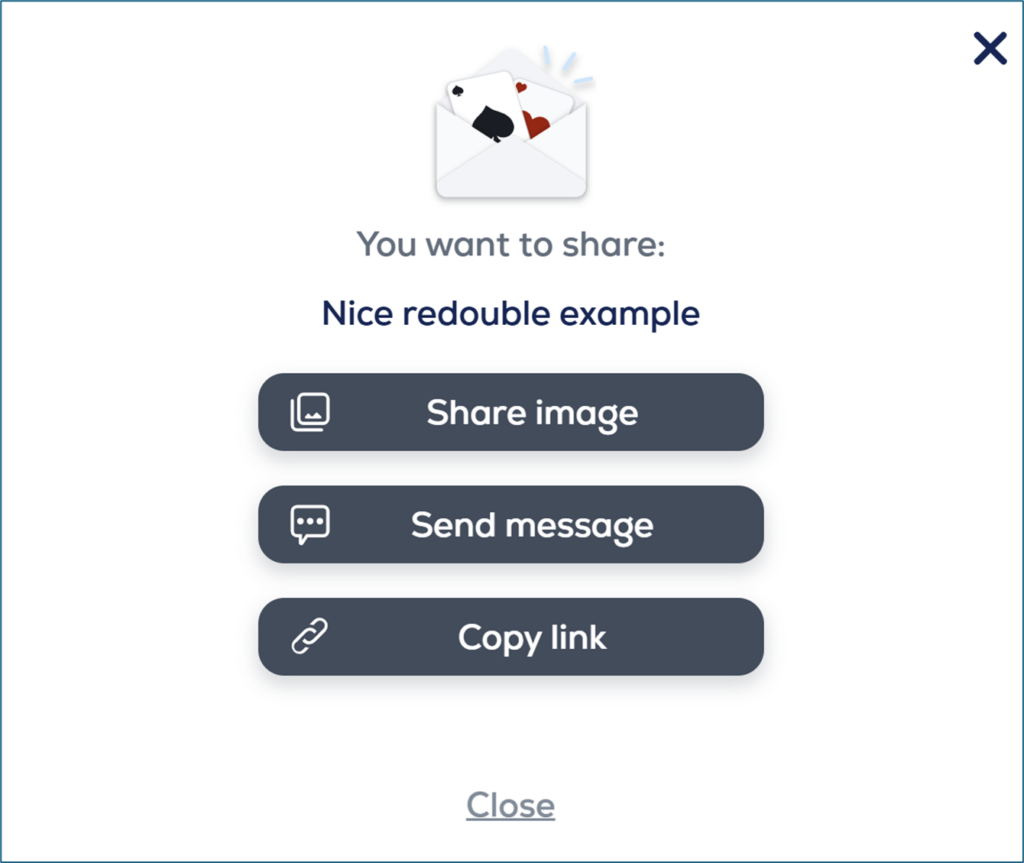
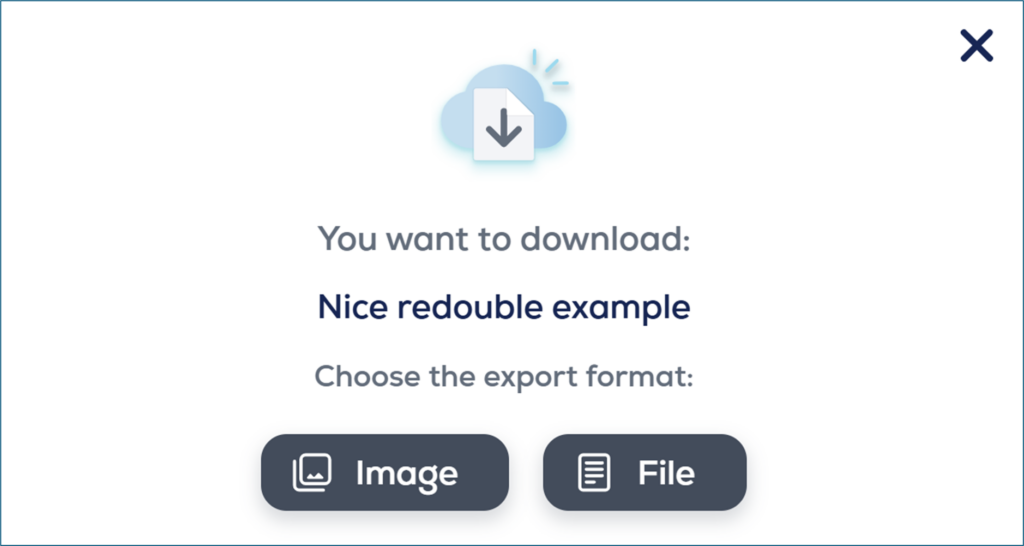
Or click the Download icon and choose Image
2. Create a private or pairs tournament from your saved deals
Select one or more deals from your library, then click the “Create Tournament” button.
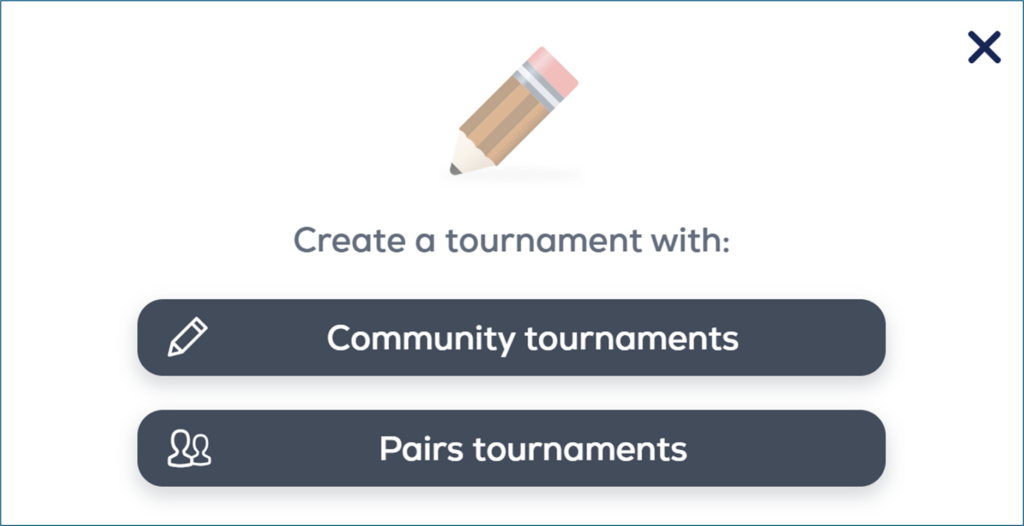
Choose whether you want to create a Community tournament or a Pairs tournament, then complete the usual information such as the tournament name, dates, and access conditions.
The deals you selected will automatically be added to the new tournament as a .pbn file.
3. Generate a themed deal
On the main screen of your deal library, click “Create a deal” then select “Generate a themed deal” on the deal creation screen.
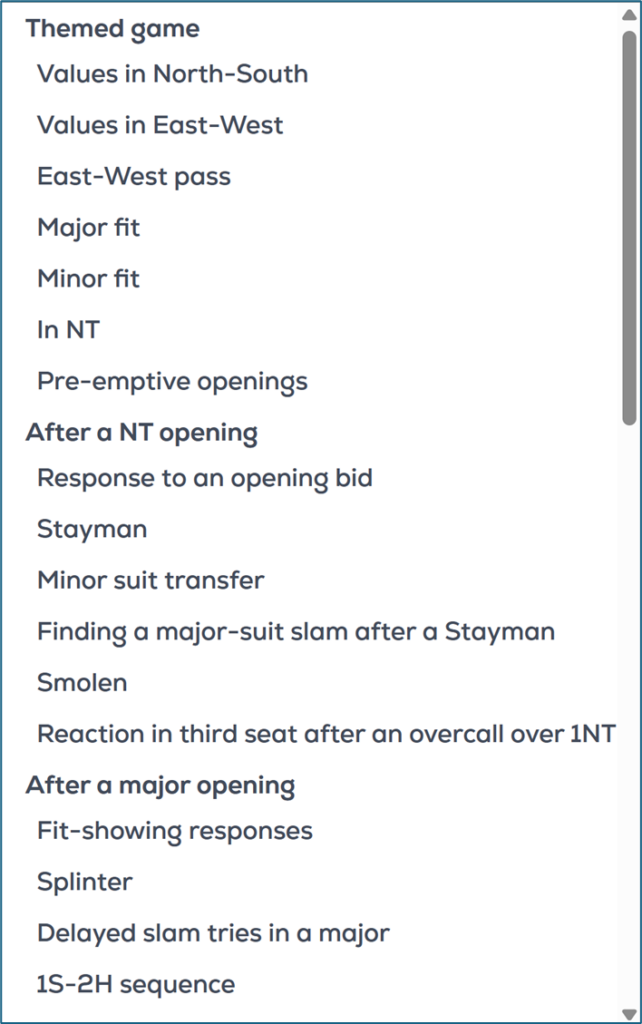
Choose from the many available themes, then click “Generate”. You can then customize the deal before saving it: card distribution, bidding sequence, and more.

4. View the maximum contract when creating a deal
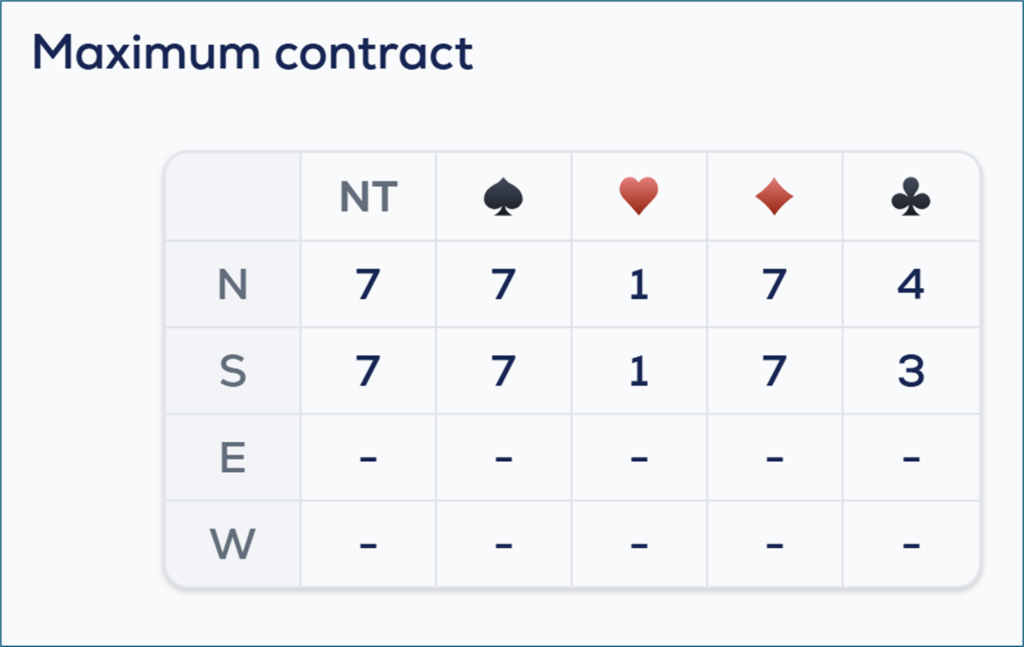
You can now see the maximum contract on the deal creation screen.
Your opinion matters to us
We can’t wait for you to discover these new features. Tell us in the comments what you think!




These are excellent features. They will help as teaching and learning aids. This is a wonderful addition! Well done, team.
What a brilliant set of variations of elements to assist one to develop their skills and knowledge of playing.
What a brilliant set of variations of elements to assist one to develop their skills and knowledge of playing.
What a brilliant set of options to assist in developing a player by review of games played.
Robot needs to play faster
Thanks – nice addition.
Would be good to be able to play a Theme one deal after the other quickly without having to Save, similar to how it works on the iPad.
Available soon on the web version, and already available in mobile, you have access to free play that allow you to select a theme without the need to save it. Or alternatively but whith less other features than free play, you can create a private table with argine only to set a custom theme.
Thanks for that. Sounds good. I wasn’t aware of that Private Table option. As you mentioned, it has less features, such as no post-deal analysis. I look forward to the free-play web version being updated.